
User manual for the Ricoh SC-10 Series work support camera system, covering setup, connections, job settings, operation, and troubleshooting.
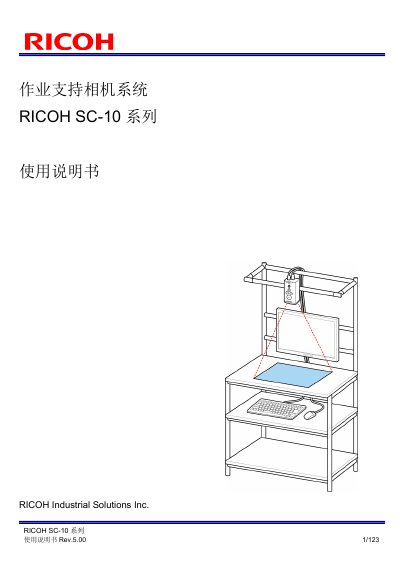
The RICOH SC-10 Series is a work support camera system. This User Manual explains correct use and safety precautions, and guides users from package contents and part names through setup and connection to operation.
It covers connecting an AC adapter or external power supply and external devices for I/O, socket communication, or Ethernet/IP; power-on and initial settings; job creation and parameter settings; network, sound/LED, clock, and external I/O settings; operation and interruption; image files and logs; troubleshooting, specifications, and external dimensions. The document also includes wireless regulatory information, with an operating frequency of 2.4 - 2.4835 GHz, EIRP below 20 dBm, and maximum power spectral density below 10 mW/MHz. This manual is written in Chinese.
| Operating frequency | 2.4 - 2.4835 GHz |
|---|---|
| Equivalent isotropically radiated power (EIRP) | < 20 dBm |
| Maximum power spectral density | < 10 mW/MHz |
| Relative humidity range | 30 to 80%RH |
| Image sensor | CMOS image sensor (photodetector) |
The package includes the main unit, AC adapter, AC power cord, hex wrench, Quick Start Guide, DVD, and a Please Read First sheet.
Wait at least 30 seconds before turning the power on from the off or power-off state.
The operating frequency is 2.4 to 2.4835 GHz.
The serial number is printed on the bottom of the main unit.