
This guide provides troubleshooting steps for the RICOH Ri 1000 printer, addressing issues like fuzzy prints, horizontal banding, nozzle errors, and…
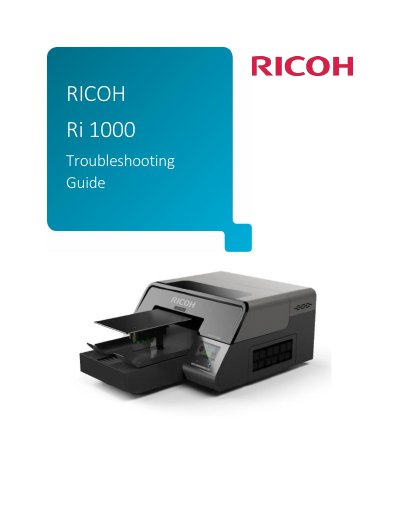
This document serves as a troubleshooting guide for the RICOH Ri 1000 digital printer. It details common printing issues such as fuzzy or blurry prints, horizontal banding, and nozzle problems, offering specific countermeasures for each scenario. The guide also covers technical procedures for resolving cartridge reading errors and managing ink charging states.
The text provides step-by-step instructions for adjusting table height, performing head alignment, and executing head cleans. It further explains how to diagnose and fix issues related to ink supply units, feeler obstructions, and incorrect ink path control settings, including resetting flags in the service menu.
| Optimal print head distance | 1.5mm away from the printing surface |
|---|---|
| Recommended rendering intent | perceptual |
This is often caused by missing nozzles or nozzle deflection. Perform head cleans until the CMYK nozzles are 100% and perform table alignment.
If the banding is bi-directional, uncheck the bi-directional box in the RIP. If the color is inconsistent, print in Fine Quality mode or 1200 X 1200 dpi.
Pull out the cartridge, wait for the status to change to NC, and reinsert it. If it still reads 0%, turn the printer off and back on.