
User guide for Ricoh Caplio GX100 VF KIT digital camera with VF-1 LCD monitor, covering basic operation, settings, troubleshooting, and PC connection.
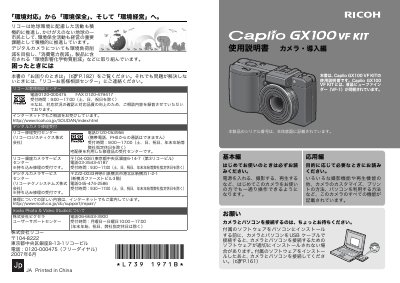
This manual provides step-by-step instructions for operating the Ricoh Caplio GX100 VF KIT digital camera, including shooting, playback, settings, and connecting to a PC. It also covers troubleshooting, warranty, repair services, and environmental considerations. The included VF-1 LCD monitor is explained in detail for use with the camera.
The manual includes contact information for Ricoh customer support and repair centers in Japan, along with notes on software installation, data backup, and environmental compliance. This manual is written in Japanese.
It is printed on the bottom of the camera.
No, the product is a domestic specification and the warranty is valid only in Japan.