
Operating manual for the Ricoh 9380221050 wired remote controller, covering safety, setup, timer functions, and troubleshooting.
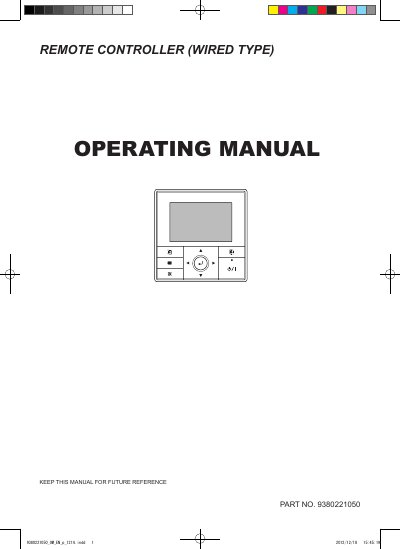
This manual provides instructions for the Ricoh 9380221050 wired remote controller, including safety precautions, an overview of the device, and detailed explanations of the 'Monitor' screen and zone control settings. It guides users through basic operations such as starting the unit, adjusting temperature and fan speed, and configuring various menu and submenu settings like date/time and display format.
| Part Number | 9380221050 |
|---|
The Power indicator lights green when the unit is turned on and goes off when the unit is turned off.
Press the Cancel button to cancel the current selection and return to the previous screen.
Immediately stop operation, turn off the electrical breaker, and consult authorized service personnel.