
The Qstarz LT-6000S GPS Lap Timer User Guide explains setup, operation, mounting, and troubleshooting for the racing timer.
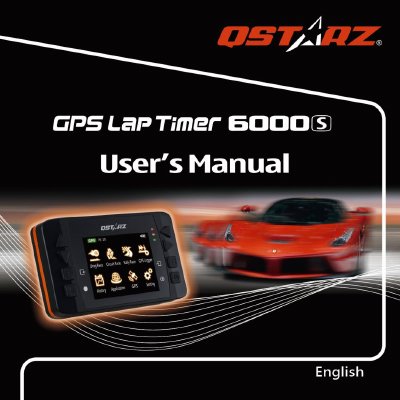
This guide provides detailed information on the Qstarz LT-6000S GPS Lap Timer, including package contents, main functions, specifications, and how to install the device in a vehicle. It also covers safety notices, charging procedures, and software updates.
The manual walks users through first‑time setup, menu navigation, and the various racing modes such as Drag, Circuit, and Rally. Additional sections explain how to use the QRacing software, register the product, and resolve common issues.
| Display | 2.4" (320x240) TFT color, 65K colors |
|---|---|
| Battery life | ≈10 hours operation |
| Weight | 107 g (bracket excluded) |
| Dimensions | 100 × 59 × 28 mm |
| Operating temperature | -10 °C to +60 °C |
| Water resistance | IPX‑3 |
| Log rate | 10 Hz (1 waypoint per 0.1 s) |
| GPS chipset sensitivity | -165 dBm, 66‑channel tracking |
| Battery type | Built‑in rechargeable Li‑Ion |
| USB interface | Mini‑USB for charging, data download, firmware update |
The unit may need more time in areas with obstructions; place it where it has a clear view of the sky and avoid metal objects.
Battery life averages 8 – 10 hours depending on usage; keeping the backlight on continuously reduces the runtime.
Press the reset button located beside the USB connector using a pen tip or pin to restore normal operation.