
The PS A620G user manual explains safety, setup, scanning, playback, file transfer, cleaning, calibration, and specifications for the standalone A4 photo…
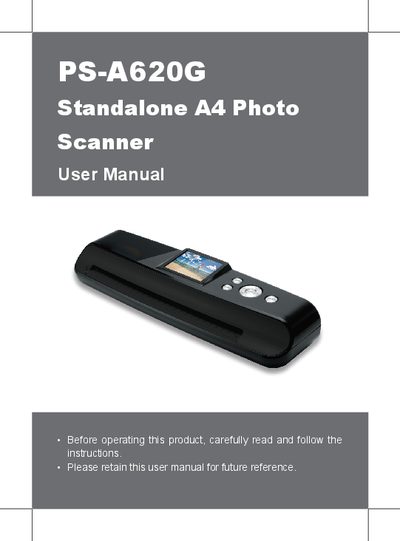
This manual provides step‑by‑step instructions for safely operating the PS A620G standalone A4 photo scanner. It covers package contents, scanner parts, power connection, scan and playback modes, file type selection, and how to transfer images to a PC.
Additional sections describe cleaning and calibration procedures, detailed technical specifications, and helpful hints for optimal image quality. The guide also includes safety warnings and troubleshooting tips.
| Scan Sensor | A4 CIS |
|---|---|
| Scan Feed Type | Sheet‑fed |
| Display | 2.36" TFT LCD (480(RGB) x 234 pixels) |
| Scan Size | Up to A4 size |
| Resolution | 300 / 600 dpi |
| Scan Speed (A4) | 10 sec at gray 300 dpi, 15 sec at color 300 dpi |
| File Formats | JPG, PDF (single‑page), Multipage PDF (max 50 pages) |
| Memory Card Slot | MMC / SD / SDHC |
| I/O Ports | USB type‑A, USB mini‑B, DC‑in |
| Power Supply | 5 V / 1 A |
| Buttons | Power/Menu, Scan, Zoom, OK, Up, Down, Left, Right |
| Dimensions | 300 × 86 × 56.2 mm (11.8 × 3.4 × 2.2 in) |
| Weight | 555 g (1.2 lb) |
| Supported OS | Windows XP/Vista/7, Mac OS X 10.4‑10.6 |
Long‑press the Power (MENU) button to turn the scanner on, and long‑press it again to turn it off.