
This manual provides safety instructions, operational guides for the front and rear panels, installation steps, menu operations, system connections, and…
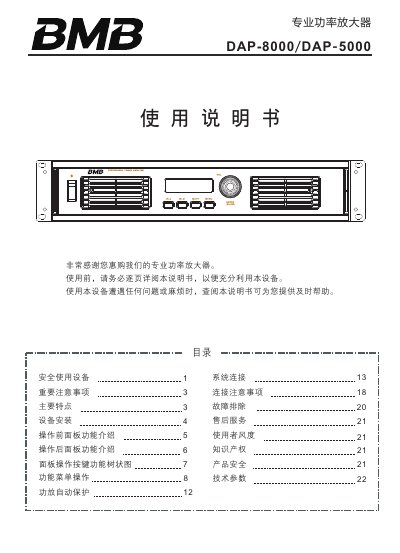
This user guide covers essential safety precautions, including warnings about electrical hazards, proper placement to ensure ventilation, and maintenance tips such as cleaning with a dry cloth. It details the specific functions of the front panel controls like volume knobs, mute buttons, and LCD display indicators.
The document also explains rear panel connections for power and audio inputs/outputs, installation procedures for rack mounting, and how to operate various system menus. Additionally, it includes troubleshooting steps for common issues like protection mode activation and provides technical specifications. This manual is written in Chinese.
Immediately turn off the device, unplug the power cord from the socket, and request repair service from your dealer.
When installing, ensure that when facing the rear panel, the fan rotates clockwise to exhaust internal heat.
The rear of the amplifier must be at least 15-20cm away from a wall or other objects to ensure proper ventilation.