
Russian-language user manual for the PIXEL MAX MAX interactive backpack with LED display: app setup, Wi-Fi connection, operating rules, care and warranty.
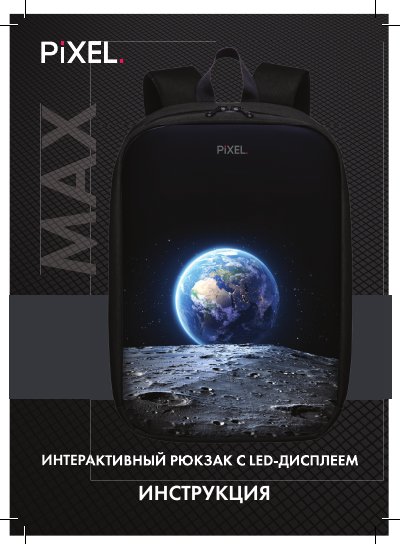
This is the user manual for the PIXEL MAX MAX, an interactive backpack with an LED display that can show images, GIF animations, text or a combination of text and pictures. The document explains how to install the free LED Space app for iOS or Android, connect the phone to the backpack over Wi-Fi, and send content to the display; it also covers how to delete themes that have already been uploaded.
The manual also sets out the operating rules for PIXEL backpacks, including the maximum load of 7 kg, protection of the LED display and contact cable, and the care instructions (no machine washing, no ironing, dry at room temperature). The last pages describe the warranty terms and the 6-month warranty period and include a warranty card. This manual is written in Russian.
| Wi-Fi password | 12345678 |
|---|---|
| Mobile app | LED Space (App Store, Google Play) |
Install the free LED Space app, connect to the Wi-Fi network whose name starts with "YS…" (individual number printed on the strap of the inner compartment), then tap the "Поиск" button in the app.
The Wi-Fi password is 12345678.