
User manual for the PIXEL BAR 12 RGBW lighting fixture, covering setup, DMX control modes, and operating instructions.
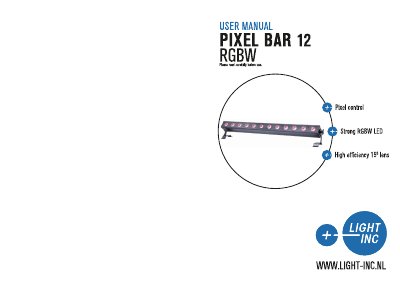
This document is the user manual for the PIXEL BAR 12 RGBW, a lighting fixture featuring RGBW color mixing and DMX-512 protocol compatibility. It provides instructions for unpacking, safety warnings, and navigating the device's various operating modes including DMX control, Auto mode, and Master/Slave configurations.
The manual details the fixture's features, such as six DMX modes, electronic dimming, and built-in programs. It includes comprehensive guides on setting up the device via the control board, adjusting parameters like address, channel mode, and static colors, and explains the specific functions of the front panel buttons.
| Voltage | 100V~240V, 50Hz~60Hz |
|---|---|
| LEDs | 12 x 10W 4-in-1 LEDs |
| Power Consumption | 120W |
| Weight | 5.3Kgs |
| Dimensions | 1061 x 140 x 163mm |
The fixture can operate in three different operating modes: DMX control, Auto mode, or in a Master/Slave configuration.
The device supports 1, 4, 8, 12, 48, and 51 DMX Channel modes.
Cabling must have a male XLR connector on one end and a female XLR connector on the other end.