
This manual provides setup, operation, safety, and troubleshooting instructions for the Pioneer DVR-510H-S DVD recorder.
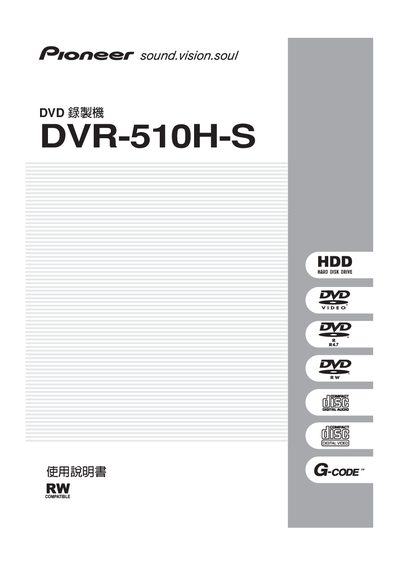
The manual begins with important safety warnings, including laser class information, ventilation requirements, and power‑supply precautions. It explains how to install the unit, connect audio/video cables, and insert batteries for the remote control.
Subsequent sections cover basic operation such as selecting the built‑in 80 GB HDD or DVD‑RW disc, recording up to 102 hours of video, editing playlists, adjusting video/audio quality, and using advanced features like timed recording, G‑code scheduling, and DV‑camera input. The final chapters provide troubleshooting tips, specifications, and regulatory compliance details. This manual is written in Japanese.
| Built‑in HDD capacity | 80 GB |
|---|---|
| Maximum recording time on HDD | 102 hours |
| Required ventilation space | at least 10 cm on top, back and sides |
| Laser classification | Class 1 |
The built‑in 80 GB HDD can store up to 102 hours of video.
Yes, leave at least 10 cm of clearance on the top, back and sides for proper ventilation.