
User manual for Philips VoiceTracer VTR840 audio-video recorder with setup, operation, and troubleshooting instructions.
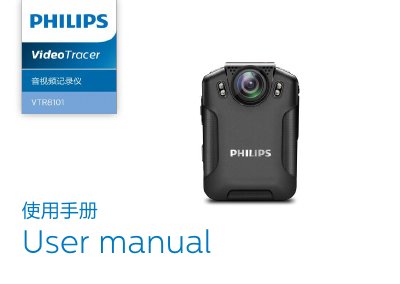
This user manual guides users through operating the Philips VoiceTracer VTR840 audio-video recorder, including powering on/off, charging, connecting to a computer, recording video/audio, taking photos, and adjusting settings. It also covers technical specifications and troubleshooting common issues.
The device features a wide-angle lens, F1.6 aperture, night vision, and a detachable clip for hands-free use. It supports up to 128GB external storage and can be used as a USB storage device. Files are automatically segmented to prevent data loss, and metadata such as time, product ID, and user ID are embedded for legal evidence. This manual is written in Chinese.
| Storage | External storage up to 128GB; internal C10 TF card |
|---|---|
| Dimensions | 56×78×25 mm |
| Weight | 110g (without clip) |
| Operating System | Windows 7/8/10/Vista/XP/2000, Mac OS X, Linux |
| Audio Format | MP3, 128kbps mono |
| Operating Temperature | -10℃ ~55℃ |
| Operating Humidity | 10% – 90% (non-condensing) |
Up to 128GB external storage is supported.
The device operates between -10℃ and 55℃.