
This manual provides instructions for the Philips VoiceTracer VTR840 voice recorder, covering setup, recording, playback, and technical specifications.
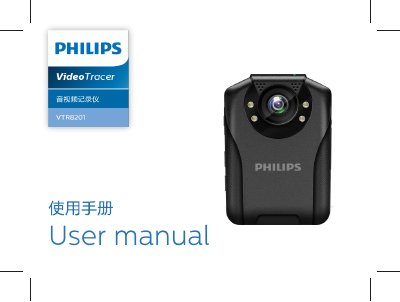
This user manual for the Philips VoiceTracer VTR840 voice recorder guides users through the device's features, including one-touch recording and video capabilities. It details the operating procedures for power management, charging, connecting to a computer, and using various modes such as video, photo, and voice recording. The guide also explains how to configure settings for audio, video, and system preferences. This manual is written in Chinese.
| External Storage Capacity | Up to 128GB |
|---|---|
| Recording Format | MP3 |
| Audio Bitrate | 128kbps |
| Operating Temperature | -30℃ ~55℃ |
| Dimensions | 56×83×25 mm |
| Weight | 128g (without clip) |
It takes approximately 3 hours to fully charge when the device is turned off, and about 6 hours when turned on.
Press the 'Photo' key during video recording to capture a still image of the current scene.
The device supports external storage cards with a maximum capacity of 128GB.