
This manual provides instructions for operating the Philips VTR5500/V TR5600 digital voice recorder, covering recording, playback, settings, and technical…
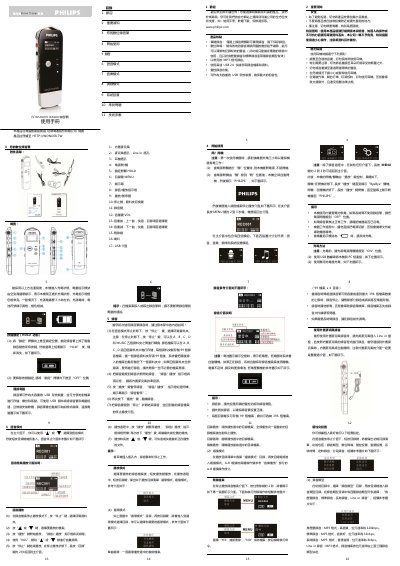
This user manual guides users through the operation of the Philips VTR5500/V TR5600 digital voice recorder. It details how to power the device, charge the battery, and use the built-in microphone or external Line-in inputs for recording. The guide explains various recording modes including voice, music, and FM, as well as playback features like loop and repeat modes. This manual is written in Chinese.
| Recording Format | MP3 |
|---|---|
| Interface | USB 2.0 |
| Battery Type | Lithium |
| Max Files per Folder | 99 |
| Total Max Files | 396 |
| Stereo Recording | Yes |
It generally takes about 3 hours to fully charge the device.
The system automatically stores new files in the next folder if the current one is full.
Yes, you can use an external microphone by inserting it into the Line-in socket.