
User manual for the Philips SA22 MP3 player covering music playback, FM radio, voice recording, settings, troubleshooting and technical specifications.
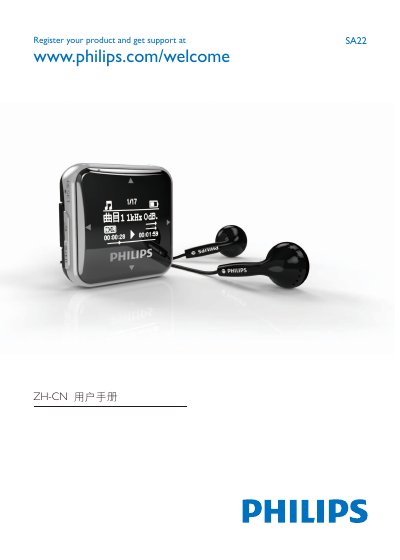
This is the Simplified Chinese (ZH-CN) user manual for the Philips SA22 MP3 player. It explains how to get started with the player, including charging the built-in battery over USB, connecting headphones, switching the player on and off, and transferring music files from a computer.
The manual also describes music playback and file management, listening to FM radio, audio/voice recording and uploading recordings to a computer, settings such as power saving, language, display and formatting memory, general maintenance, troubleshooting (including how to reset the player), and the technical specifications of the SA22. This manual is written in Chinese.
| Power | 190 mAh built-in polymer rechargeable battery; 18 hours playback |
|---|---|
| Connectivity | 3.5 mm headphone jack, USB 2.0 high speed |
| Sound | Channel separation 40 dB; frequency response 40–18000 Hz; output power 7 mW; SNR >80 dB |
| Audio playback | MP3, 8–320 kbps bit rate, 8–48 kHz sampling rate |
| Storage | 8 GB built-in NAND memory |
| Display | White backlit OLED, 96×64 pixels |
| System requirements | Windows XP / 7 / Vista / Mac OS 10; Pentium-133MHz CPU; 32MB RAM; 100MB free disk space; USB port |
Insert a pen tip or similar object into the reset hole at the bottom of the SA22 and press until the player switches off, then hold the power button to switch it on again. This does not lose data.
The SA22 has a built-in battery that is charged through the USB port of a computer using the supplied USB cable.
Yes. After 3 minutes of inactivity (no music playing and no keys pressed), the SA22 switches off automatically to save battery power.
Connect the SA22 to a computer, find "Philips" under My Computer, and copy music files from the computer to "Philips".