
User manual for Philips R4406 radio clock, covering setup, FM radio, alarm, USB charging, and troubleshooting.
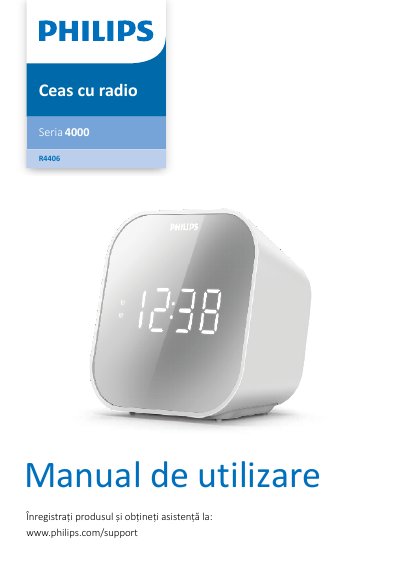
This manual guides users through setting up the Philips R4406 radio clock, including installing batteries, connecting power, setting time and alarms, tuning FM stations, and adjusting brightness. It also covers USB charging and troubleshooting common issues like no sound or weak reception.
The device features automatic and manual FM station memory, two alarms with snooze, and a sleep timer. Technical specs include 700 mW RMS output and 87.5–108 MHz FM tuning range. Safety and disposal instructions are included for proper handling and recycling.
| Power Output | 700 mW RMS |
|---|---|
| FM Tuning Range | 87.5–108 MHz |
| Tuning Step | 50 KHz |
| USB Charging | 5 V 1 A |
| Power Consumption (Operating) | < 7.5 W |
| Power Consumption (Standby) | < 1 W |
| Dimensions | 110 x 110 x 75 mm |
| Weight | 224.6 g |
In standby mode, press and hold SET TIME for 2 seconds, then use HR and MIN to set the hour and minute, and press SET TIME again to confirm.
Press and hold TUN for 2 seconds to auto-tune to a strong station. Repeat to tune more stations. For manual tuning, press TUN repeatedly to select a frequency.
Connect a standard USB cable to the unit’s USB port and to your mobile device’s charging port.
The power consumption in standby mode is less than 1 W.