
The Philips PPX620 PicoPix Max Mobile Projector User Manual covers setup, operation, Bluetooth streaming, device connections, wireless projection, settings…
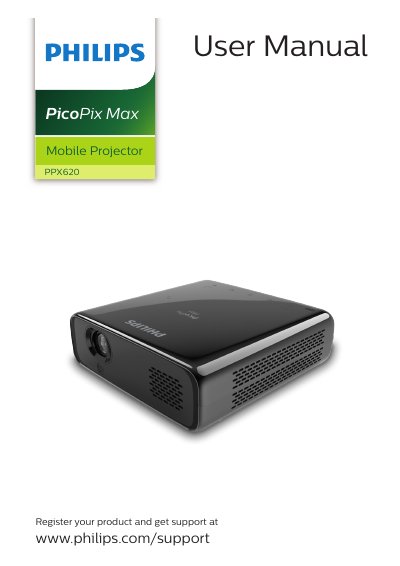
This user manual is for the Philips PPX620 PicoPix Max Mobile Projector. It describes what is in the box, safety information, product views, and how to register for support at www.philips.com/support.
The guide explains initial operation, home screen use, Bluetooth streaming, connections to playback devices through HDMI and USB-C, browsing storage devices, wireless projection, changing settings, and service including battery care and cleaning.
| Power adapter | Supplied or compatible USB-C PD adapter of 60W or higher |
|---|---|
| Power input | 15V at 3A or 4A; 20V not supported |
| Battery | Built-in battery |
| Usage environment | Indoor use only |
Use the supplied power adapter, or a compatible USB-C PD adapter of 60W or higher that supports 15V at 3A or 4A; 20V is not supported.
No, this product is for indoor use only.
Register the product and get support at www.philips.com/support, or contact the customer service centre by mail or phone.