
Philips MCM166 Hi-Fi system quick start guide: box contents, speaker and power connections, clock setting, disc and USB playback, and radio presets.
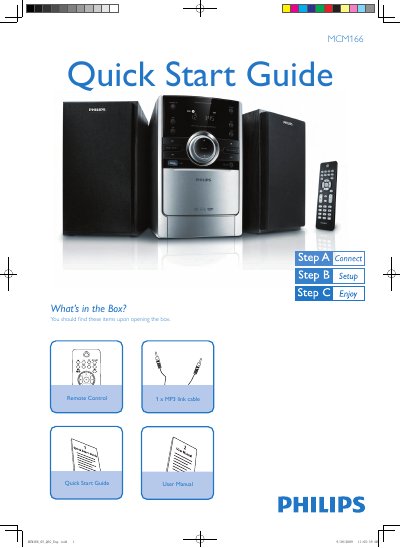
This is the Philips MCM166 Hi-Fi system Quick Start Guide. It lists what should be in the box, then walks through connecting the left and right speaker cables, the FM antenna and the AC power cord to the wall socket.
The guide then shows how to set the clock (12 or 24 hour format), how to play a disc from the top-loading tray, how to play audio files from a USB device, and how to program and select radio presets for FM or MW. A note at the end points to the supplied user manual for detailed play features and additional functions.
| Supported USB devices | USB flash memory (USB 2.0 or USB 1.1), USB flash players (USB 2.0 or USB 1.1), memory cards (card reader required) |
|---|---|
| Clock formats | 12 hour or 24 hour |
| Radio bands | FM or MW |
| Included accessories | Remote control, Quick Start Guide, User Manual, 1 x MP3 link cable |
The box should contain the remote control, the Quick Start Guide, the User Manual and one MP3 link cable.
Press and hold CLOCK (or CLOCK/DISPLAY on the remote control), choose the 12 or 24 hour format with PROG, then set the hour and minute with the arrow buttons and confirm with CLOCK.
You can use USB flash memory (USB 2.0 or USB 1.1), USB flash players (USB 2.0 or USB 1.1) and memory cards, which need an additional card reader.
Select FM or MW with SOURCE, then press PROG for more than two seconds to program all available stations in order of waveband.