
Quick start guide for the Philips MCD708: unpacking, connections, clock and TV setup, disc playback, and radio tuning.
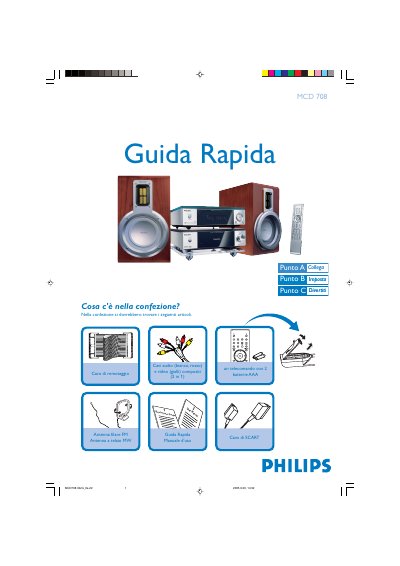
This quick start guide helps set up and start using the Philips MCD708. It covers the included accessories, speaker, antenna, SCART and power connections, TV source selection, clock setting, and DVD menu options.
It also explains how to play a disc and how to program and tune radio stations, with references to the user manual for more detailed options. This manual is written in Italian.
The box should contain the user manual, quick start guide, composite audio and video cables, a remote control with two AAA batteries, an FM wire antenna, an MW frame antenna, a remote control cable, and a SCART cable.
In standby mode, hold CLOCK/RDS, set the hours with VOLUME, press CLOCK/RDS again, set the minutes, then press CLOCK/RDS to confirm.
Press OPEN•CLOSE to open the disc compartment, load a disc with the label facing up, close the compartment, and press play if playback does not start automatically.
Press SOURCE (TUNER on the remote) to select the tuner, hold PROG for more than two seconds to program all available stations, then use PRESET+/- to select the desired station.