
Philips MCD139 ProAudio quick start guide covering box contents, speaker and TV connections, clock setup, disc playback, and FM presets.
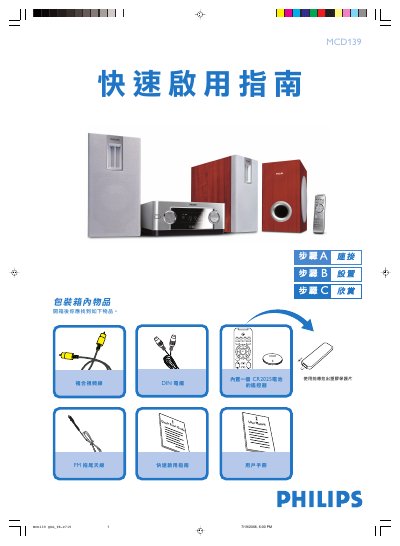
This Quick Start Guide for the Philips MCD139 ProAudio describes the items in the box, including the remote control with a CR2025 battery, DIN cable, user manual, composite video cable, and FM trailing antenna. It then shows how to connect the speakers, subwoofer, DVD player, TV, FM antenna, and AC power cord.
The guide also explains TV input selection, setting the clock, DVD menu options and progressive scan, disc playback, and programming and tuning preset FM radio stations. It refers readers to the user manual for other TV connection options and detailed playback functions. This manual is written in Chinese.
| Remote control battery | CR2025 |
|---|
In standby or on mode, press and hold CLOCK on the remote. Set the hour with ¡/™ and the minute with à/á, then press CLOCK again to store the setting.
Select the FM radio source, then press and hold PROGAM on the main unit for more than two seconds to program all receivable stations by band. Use ¡/™ or the remote’s number keys to choose a preset.
Press OPEN/CLOSE, insert a disc with the label side up, and close the disc door. Playback starts automatically; if not, press ÉÅ, and press 9 to stop.
Set the TV's progressive scan mode off or to interlaced, then in the system setup menu choose Off in the progressive scan menu and press SYSTEM MENU to exit.