
Quick setup guide for Philips MCD 705 audio system, covering unboxing, TV connection, clock setup, and DVD/radio operation.
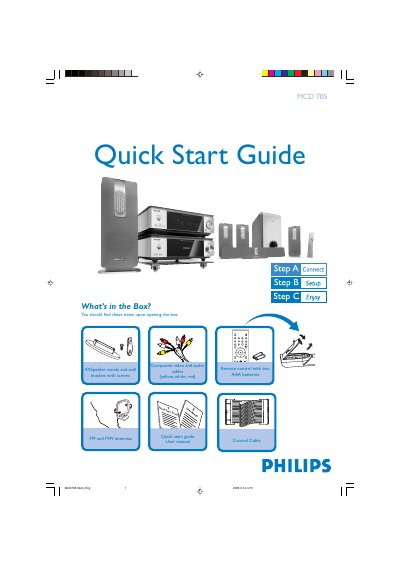
This guide helps you set up your Philips MCD 705 audio system quickly. It includes instructions for connecting speakers, TV, and antennas, setting the clock, configuring DVD menu options, and tuning radio stations. For detailed features, refer to the full user manual.
The guide also notes compatibility with progressive scan TVs and provides tips for mounting speakers or connecting to different TV inputs, with references to the user manual for advanced setup.
In standby mode, press and hold CLOCK on the remote. Use VOLUME-/+ to set hours, then minutes, and press CLOCK again to confirm.
Connect speaker cables, composite video/audio cables to the TV, MW and FM antennas, control cable, and power cords. Turn on the TV and set it to the correct Video In channel.
Press OPEN •CLOSE on the remote to load the disc (label side up), then press the same button to close the tray. Playback starts automatically; press ÉÅ if it doesn’t start.