
Danish quick start guide for connecting, setting up, and using the Philips MCD 510 micro system.
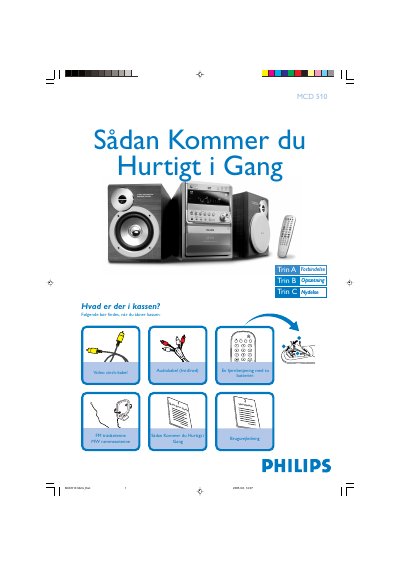
This guide shows what is included with the Philips MCD 510 micro system and how to connect the speakers, antennas, TV, and power. It also covers basic setup steps such as selecting the CD source, adjusting TV settings, and setting the clock.
Additional sections explain DVD menu options, CD playback, and programming radio stations. Detailed playback features and further functions are described in the supplied user manual.
| Speaker impedance | 6 Ω |
|---|
The box includes the quick start guide, user manual, video cinch cable, audio cable, remote control with two batteries, FM wire antenna, and MW loop antenna.
In standby, press and hold CLOCK SET/RDS, set the hours with TUNING, press CLOCK SET/RDS again, set the minutes, then press CLOCK SET/RDS to confirm.
Select the tuner source, press PROGRAM for more than two seconds to program all stations, then use ALBUM/PRESET to choose the desired preset number.