
User manual for Philips HTS9520 home theater system covering setup, operation, network configuration, software updates, and troubleshooting.
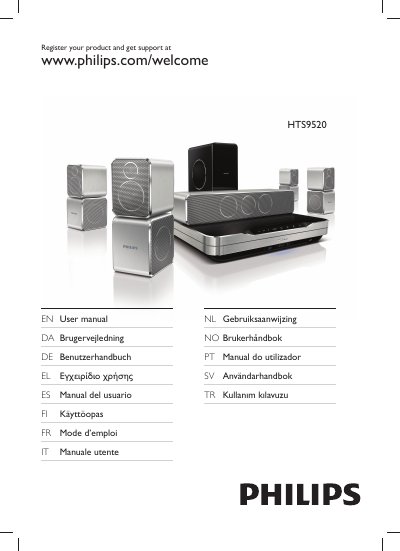
This manual provides step-by-step instructions for setting up and operating the Philips HTS9520 home theater system. It covers connecting to TV and other devices, adjusting audio and video settings, updating software via network or USB, and troubleshooting common issues. Safety guidelines and product care are also included.
The system supports 3D playback, Blu-ray, USB media, and DLNA streaming. It includes a remote control with dedicated buttons for source selection, volume, playback, and menu navigation. Network setup and EasyLink functionality are explained for seamless integration with other HDMI-compatible devices. This manual is written in Swedish.
Leave at least 10 cm around the entire product for good ventilation.
Unpack it and wait until it reaches room temperature before connecting it to the mains.
No, 3D viewing is not recommended for children under six because their vision is not fully developed.