
Portuguese (Brazil) user manual for the Philips DVP3360K DVD player covering connections, playback, karaoke, USB, settings and troubleshooting.
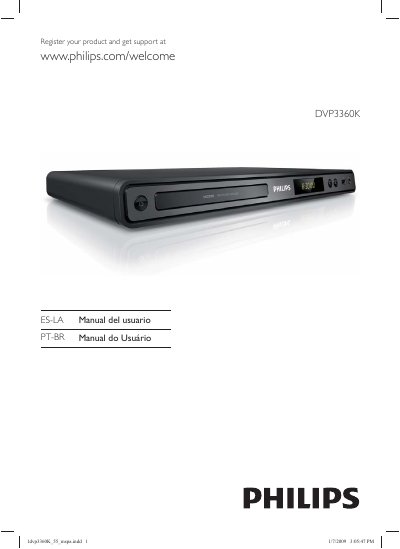
This is the Portuguese (Brazil) user manual for the Philips DVP3360K DVD player. It explains how to connect the player to a TV via HDMI, component video or CVBS, route audio to a receiver or stereo system, connect a USB flash drive, and prepare the remote control.
The manual covers playback of discs, videos, music and photos, creating MP3 files from audio CDs, karaoke settings with a scoring function, Philips EasyLink (HDMI CEC), general/audio/video setup menus, software updates, specifications and troubleshooting. This manual is written in Portuguese.
| Video resolution | Up to 1080p |
|---|---|
| USB | Hi-Speed USB 2.0 |
| Playable formats via USB | MP3/WMA/JPEG/DivX |
| DivX support | DivX Ultra Certified, including DivX 6 |
| DVD region code | ALL (Latin America) |
| Audio output | HDMI, component video, CVBS video connections |
You can connect via HDMI (for HDMI/DVI/HDCP-compatible TVs), component video inputs, or the CVBS video input, depending on your TV.
Yes, the karaoke score function displays a score for each song sung.
Yes, you can convert your favorite audio tracks from an audio CD to MP3 format, and the created files are saved to a USB flash drive.
It plays discs with region code ALL for Latin America.