
User manual for the Philips DC190 docking entertainment system with iPod dock, FM radio, alarm timers, and MP3 link.
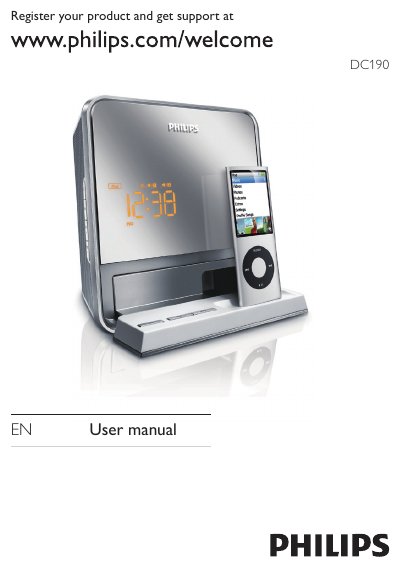
The Philips DC190 is a docking entertainment system for audio from an iPod, other audio devices, or FM radio, with two alarm timers and a sleep timer.
The manual covers safety instructions, setup, clock and alarm operation, specifications, and troubleshooting.
| Rated Output Power | 2 x 1.5 W RMS |
|---|---|
| Amplifier Signal-to-Noise Ratio | >55 dB |
| MP3 Link | 0.6 V RMS, 10 kohm |
| FM Tuning Range | 87.5 - 108 MHz |
| Tuning Grid | 50 KHz |
| Sensitivity (mono) | 26 dB S/N ratio |
| Sensitivity (stereo) | 46 dB S/N ratio; <22 dBu / <45 dBu |
| Search Selectivity | <28 dBu |
| Total Harmonic Distortion | <3% |
| Tuner Signal-to-Noise Ratio | >45 dB |
In standby mode, press and hold TIME SET/AUTO SCAN for 2 seconds, then use TUNING +/- to set the hour, minute, and week day, confirming each with TIME SET/AUTO SCAN.
Adjust the volume.
The package includes the main unit, one AC adaptor, one MP3 link cable, the user manual, and the quick start guide.
Connect one end of the AC adaptor to the DC IN socket on the main unit and the other end to the wall outlet.