
User manual for the Philips D120 telephone, covering setup, calls, phonebook, settings, services, and FAQ.
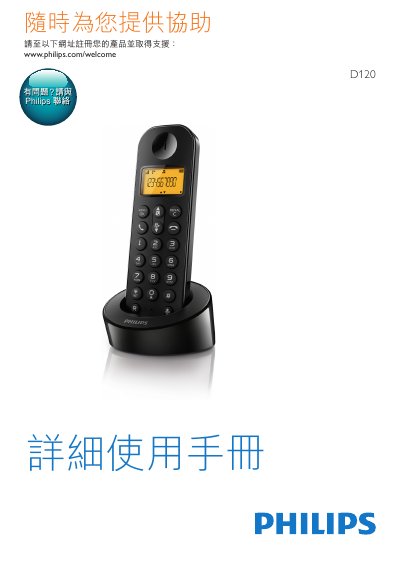
The Philips D120 user manual explains how to connect the base, insert the supplied battery, charge the handset, and set the country/language, date, and time. It describes making and answering calls, using the intercom and conference call features, entering text and numbers, and managing the phonebook, call log, and redial list.
The manual also covers phone settings, services, safety instructions, technical data, notices, FAQ, and an appendix with character input tables. This manual is written in Chinese.
| Power requirement | 100-240 V AC |
|---|---|
| Operating temperature | 0°C to +35°C (32°F to 95°F) |
| Storage temperature | -20°C to +45°C (-4°F to 113°F) |
| Initial battery charge time | 8 hours |
Charge the battery for 8 hours before first use.
Operate the phone at temperatures between 0°C and +35°C (32°F and 95°F).
Select MENU/OK > [PHONE SETUP] > [LANGUAGE], then choose the language and confirm with MENU/OK.
Press MENU/OK, select [PHONE SETUP] > [DATE/TIME], enter the date, then enter the time and confirm.