
User manual for the Philips D120 telephone, providing instructions for installation, operation, phonebook management, and technical settings.
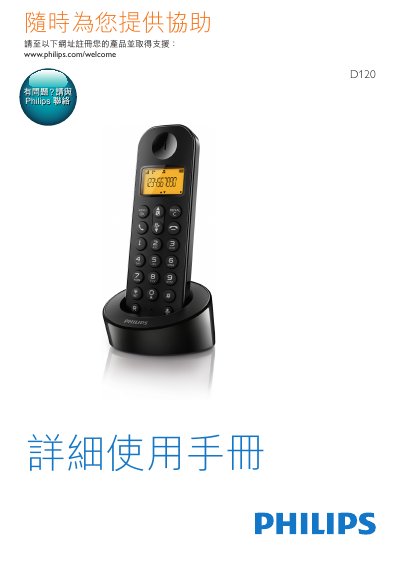
The Philips D120 is a telephone system featuring a handset and base station. This manual provides comprehensive guidance on setting up the device, including connecting the base, inserting batteries, and configuring initial settings such as language, date, and time.
Key operational features include call management (making, receiving, and switching between calls), phonebook and call record management, and various service settings like dialing modes and handset registration. This manual is written in Chinese.
| Power Requirements | 100-240V AC |
|---|---|
| Operating Temperature | 0°C to +35°C (32°F to 95°F) |
| Storage Temperature | -20°C to +45°C (-4°F to 113°F) |
Press MENU/OK, select [PHONE SETUP] > [DATE/TIME], enter the date and time using the number buttons, and confirm with MENU/OK.
The batteries should be charged for 8 hours before the first use.
Go to MENU/OK > [PHONE SETUP] > [LANGUAGE], select the desired language, and press MENU/OK to save.