
User manual for the Philips CEM5100 car audio system, covering installation, radio, Bluetooth, audio playback, sound and system settings.
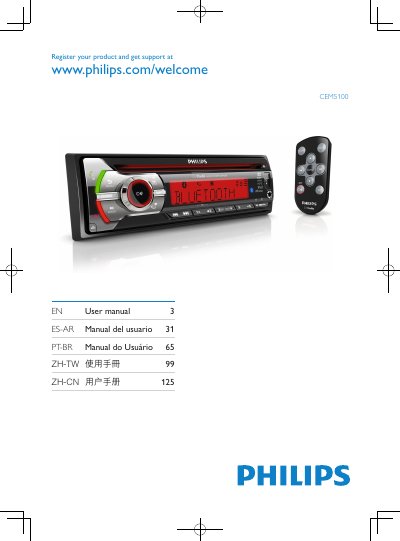
This user manual is for the Philips CEM5100 car audio system. It describes the product contents, controls, installation, and basic operation.
The manual also covers radio, Bluetooth, RDS, audio file playback, sound adjustment, system settings, troubleshooting, and other product information. This manual is written in Chinese.
| Operating voltage | 12 V DC, negative ground |
|---|---|
| Dashboard opening dimensions | 183 mm x 53 mm x 5 mm |
It is designed for negative-ground 12 V DC operation.
You can listen to FM or AM (MW) radio, CD or MP3 discs, phone music, USB drives, SD/SDHC cards, and external devices.
Clean the product and frame with a soft damp cloth; do not use alcohol, chemicals, or household cleaners.
Consult a professional to replace the fuse, because an unsuitable fuse can damage the product or cause fire.