
User manual for the Philips CEM5000 car audio system covering installation, radio, Bluetooth, audio playback, sound settings, and troubleshooting.
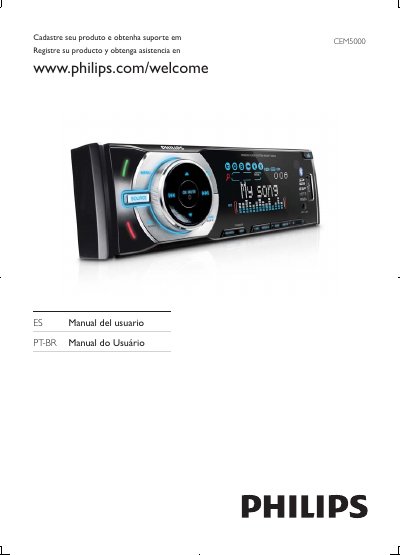
The Philips CEM5000 is a car audio system. The manual describes the main unit and remote control, installation, clock setup, radio tuning and presets, Bluetooth device use and calls, playback from discs, USB, SD/MMC and external devices, sound adjustment, system settings, and troubleshooting.
It also covers important safety notices, front panel removal, fuse replacement, unit removal, product information, and a glossary. This manual is written in Spanish.
| Power supply | 12 V DC with ground connection |
|---|---|
| Radio bands | FM and AM (MW) |
| Disc playback | CD and MP3 discs |
| USB playback | Audio from USB devices |
| SD/MMC playback | Audio from SD/MMC cards |
| Bluetooth functions | Device pairing, call handling, and audio playback |
It is designed to operate only with 12 V DC power with a ground connection.
The system supports FM and AM (MW) radio.
Yes. The manual covers pairing Bluetooth devices, handling calls, and playing audio files from Bluetooth devices.
Yes, the unit has an MP3 LINK jack for an external device.