
This manual covers the installation, operation, and settings for the Philips CEM3000 car audio system, including radio, CD, USB, and iPod/iPhone playback.
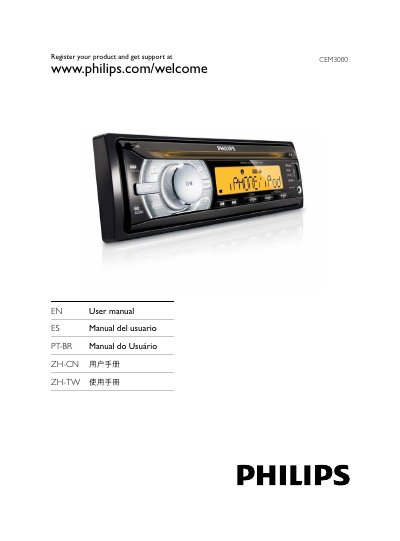
The Philips CEM3000 is a car audio system designed to play FM/AM radio, audio discs, and files from USB devices or iPod/iPhone. The system features a main unit with a disc slot and a remote control for convenient operation from the driver's seat. It supports various audio formats including MP3, WMA, and AAC, and allows for customization of sound settings such as equalizer, dynamic bass boost, and subwoofer output.
The manual provides step-by-step instructions for installing the unit, attaching the front panel, and setting up the clock and region. It details how to tune to radio stations, store presets, and manage audio playback. Additionally, it covers system adjustments like volume control, muting, and troubleshooting common issues.
| Power supply | 12 V DC (11 V - 16 V), negative ground |
|---|---|
| Fuse | 15 A |
| Speaker impedance | 4 - 8 Ohms |
| Maximum power output | 50 W x 4 channels |
| Continuous power output | 24 W x 4 RMS (4 10% T.H.D.) |
| FM Frequency range | 87.5 - 108.0 MHz |
| AM Frequency range | 522 - 1620 KHz (9 kHz) / 530 - 1710 kHz (10 kHz) |
| Dimensions | 188 x 58 x 201 mm |
| Weight | 1.47 kg |
Press the power button to turn on. To turn off, press and hold the button for over 3 seconds.
The remote control requires one CR2025 battery with correct polarity.