
User manual for the Philips AJ7010 radio clock with FM/MW radio, two alarms, temperature display, and outdoor sensor.
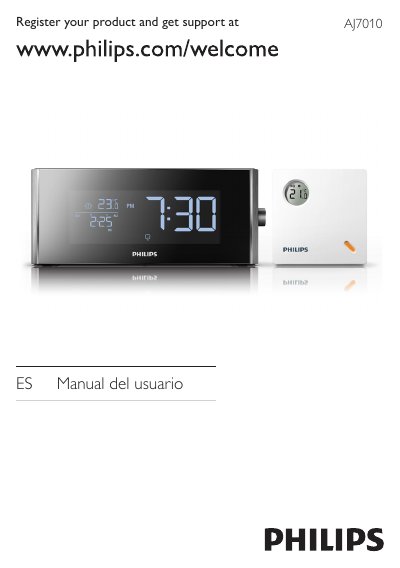
The Philips AJ7010 is a radio clock that receives FM/MW radio, supports two alarms, displays time, date, and indoor/outdoor temperature, and adjusts time zone and daylight saving time. It can wake the user with a buzzer, radio, or stored nature sounds.
The manual covers safety instructions, descriptions of the main unit and external sensor, box contents, troubleshooting for power, radio reception, and sensor signal issues, plus recycling and disposal information. This manual is written in Spanish.
| Radio bands | FM/MW |
|---|---|
| Alarms | 2 |
| Display information | Time, date, and indoor/outdoor temperature |
| Power input | AC 6V ~ 450mA |
| Wake options | Buzzer, radio, or stored nature sounds |
| Time zone and daylight saving | Adjustable |
The package includes the main unit with a button cell battery, an outdoor temperature sensor, a power adapter, the user manual, and a quick setup guide.
It can play FM/MW radio, set two alarms, show time, date, and indoor/outdoor temperature, adjust time zone and daylight saving time, and wake with buzzer, radio, or nature sounds.
Keep the radio clock away from other electronic devices, fully extend the FM antenna, and adjust its position.
Check that the sensor battery is installed correctly, reduce the distance between units, press RESET on the sensor, or switch to another transmission channel.