
Quick start guide for the Philips AJ300D Docking Entertainment System, covering power connection, clock and alarm setup, radio tuning, and iPod playback.
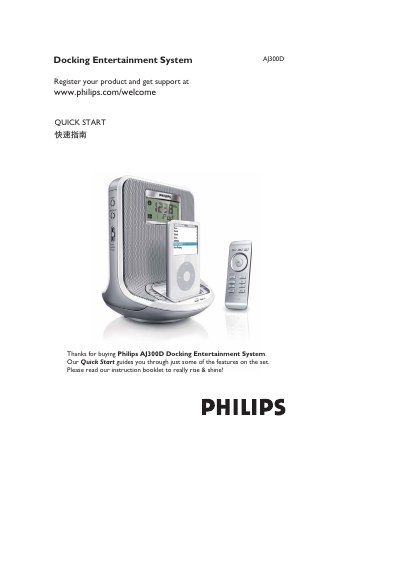
This Quick Start Guide introduces the Philips AJ300D Docking Entertainment System and walks through initial setup steps such as connecting the supplied mains adapter and setting the clock and alarm time.
It also explains how to select alarm modes, tune to radio stations, store presets, and play an Apple iPod using the dock.
| DC input voltage | 18 V |
|---|
Press and hold TIME SET or ALM1 / ALM2 until the hour digits flash, adjust the time, then confirm by pressing TIME SET or ALM1 / ALM2 again.
Select the correct dock adaptor, snap it into the dock, insert the iPod, then press DOCK to select dock mode.