
Quick start guide for the Philips AJ300D Docking Entertainment System, covering power, clock and alarm setup, radio tuning, and iPod or Philips GoGear playback.
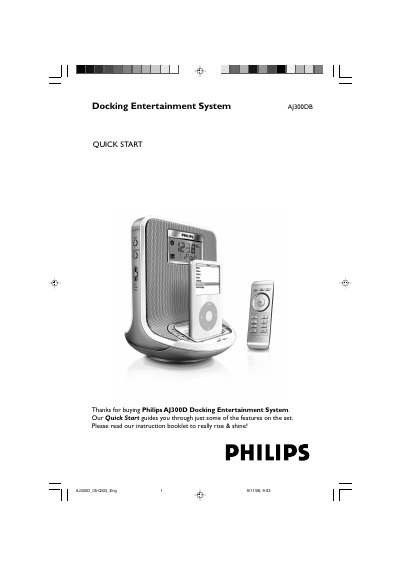
The Philips AJ300D Docking Entertainment System Quick Start Guide covers initial power connection, setting the clock and alarm time, selecting the alarm mode, switching the alarm off, and tuning radio stations.
It also explains how to play Apple iPod and Philips GoGear devices through the dock, including fitting the supplied dock adaptor and selecting DOCK mode.
| Power input | 18V DC jack |
|---|---|
| Alarm modes | DOCK / BUZZER / TUNER |
| Radio presets | PRESET buttons 1-5 |
| iPod connector | Pre-installed |
Press and hold TIME SET or ALM1 / ALM2 until the hour digits flash, adjust the time, then press the same button to confirm. Repeat the adjustment and confirmation for the other time items.
Press TUNER/AUX once to switch on the radio, then press the tuning control for one second or more to tune to your station.
Use a compatible dock adaptor, snap the player into the dock connector, and press DOCK. For Philips GoGear, power the player on before selecting DOCK; press play if playback does not start.
Press POWER briefly, or press ALM1 or ALM2.