
User guide for Philips PROMCD 708 DVD player with setup, connection, and time-setting instructions.
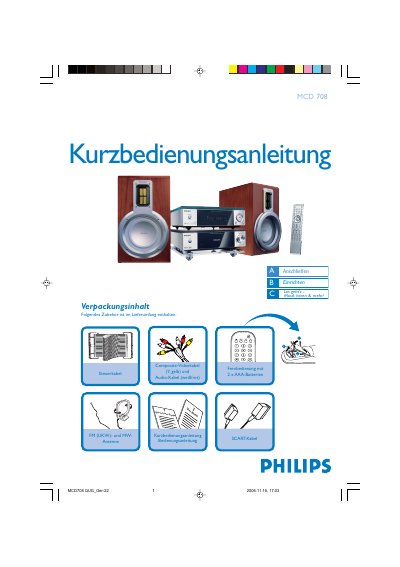
This manual provides step-by-step instructions for connecting and setting up the Philips PROMCD 708 DVD player with a TV. It covers connecting cables, configuring the TV input, setting the clock, and operating the DVD and radio functions. The guide also includes tips for progressive scan setup and troubleshooting basic playback issues.
The device comes with composite video and audio cables, a remote control with batteries, and SCART cables. Users are instructed to select the correct TV input, connect all cables, and power on the system. Time settings can be adjusted using the remote’s CLOCK/RDS button and volume controls. This manual is written in German.
Connect the composite video (yellow) and audio (white/red) cables, SCART cable, and antennas. Then connect the power cables last.
The package includes a user manual, a quick start guide, a composite video cable, an audio cable, a remote control with batteries, an FM and MW antenna, a control cable, and a SCART cable.
Hold the CLOCK/RDS button on the remote while in standby mode, adjust the hours using the VOLUME-/+ buttons, then press CLOCK/RDS again to set the minutes.
Press the PRESET -/ 9 button or the 9 button on the remote control to stop playback.