
Philips Curved Business Monitor 5000 Series User Manual

This user manual provides instructions for installing, operating, and optimizing the Philips Curved Business Monitor 5000 Series, including image settings…
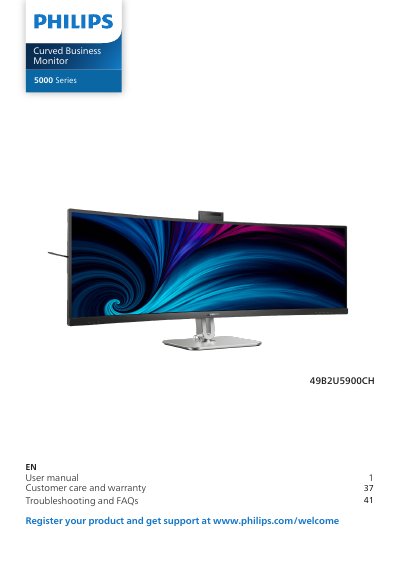

Philips Curved Business Monitor 5000 Series User Manual - cover page
Brand
Philips
Category
Monitors
Document type
User Manual
Language
English
Pages
48
File format
PDF
File size
11 MB
Published
13 November, 2026
Updated
13 November, 2026
MD5 checksum
90147F950C7084608DA90588ADFCE1C0

About this manual

This document is the official user manual for the Philips Curved Business Monitor 5000 Series. It covers essential setup procedures, including unboxing, base installation, and VESA mounting. The guide details how to operate the monitor's built-in features such as the Windows Hello pop-up webcam, MultiClient KVM, and MultiView capabilities.

What's inside

  • Safety precautions and maintenance
  • Installation
  • Operating the monitor
  • Built-in Windows Hello pop-up webcam
  • MultiClient Integrated KVM
  • Image Optimization
  • Power Management
  • Troubleshooting and FAQs
Download PDF (11 MB)

More Philips Manuals


View all Philips manuals →