
This manual provides installation, operation, image optimization, technical specifications, power management, and troubleshooting instructions for the…
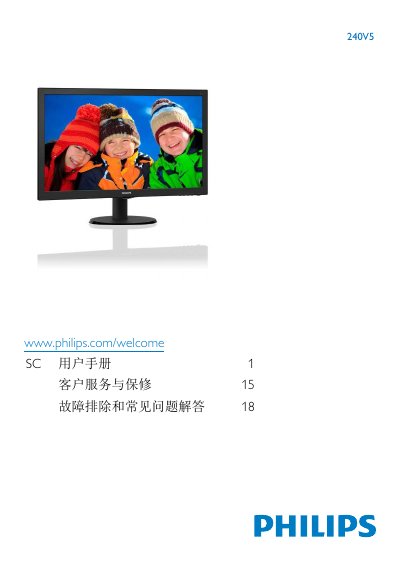
This user manual covers the setup and operation of the Philips 240V5 monitor. It includes instructions for installing the stand, connecting the monitor to a PC via VGA or HDMI, and using the On-Screen Display (OSD) menu to adjust settings such as brightness, contrast, and resolution. The document also explains how to remove the stand and provides a guide for the OSD interface. This manual is written in Chinese.
| Panel Type | VA LCD |
|---|---|
| Panel Size | 23.8" W (60.5 cm) |
| Aspect Ratio | 16:9 |
| Pixel Pitch | 0.275 x 0.275 mm |
| Contrast Ratio | 10,000,000:1 |
| Response Time (Typical) | 16ms |
| SmartResponse Time | 4 ms(GtG) |
| Best Resolution | 1920 × 1080 @ 60Hz |
| Viewing Angle | 178° (H) / 178° (V) |
| Display Colors | 16.7M |
| Vertical Refresh Rate | 56Hz -76Hz |
| Horizontal Frequency | 30kHz - 83kHz |
| VESA Mount | (100 x 100mm) |
The monitor performs best at its native resolution of 1920 x 1080 @ 60 Hz.
It may cause image retention (burn-in), which might not disappear and is not covered by the warranty if the screen saver is not activated.
Yes, it supports VESA mounting with a 100 x 100mm pattern.