
User manual for the Philips 220VW9 LCD monitor covering safety precautions, FAQs, screen adjustment, troubleshooting, and regulatory information.
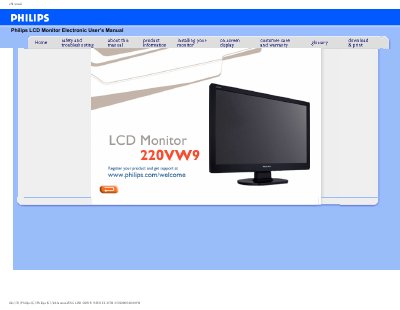
This is the electronic user's manual for the Philips 220VW9 LCD monitor. It includes safety precautions and maintenance instructions, general FAQs, screen adjustments, compatibility with other peripherals, LCD panel technology, troubleshooting, regulatory information, and other related information.
The manual explains topics such as selecting 1680 x 1050 @60Hz for a Philips 22-inch model, using the MENU and AUTO controls, changing color settings through the OSD, cleaning the LCD surface, and wall mounting with VESA mount holes. It also lists operating temperature and humidity ranges and describes Plug-and-Play compatibility with Windows 95, 98, 2000, XP and Vista.
| Recommended Video Mode (Philips 22-inch) | 1680 x 1050 at 60 Hz |
|---|---|
| Operating Temperature | 0-40°C (32-104°F) |
| Operating Humidity | 20-80% RH |
| Plug-and-Play Compatibility | Windows 95, 98, 2000, XP and Vista |
The manual states 1680 x 1050 at 60 Hz for a Philips 22-inch monitor.
Press the MENU button and select 'Reset' to recall all of the original factory settings.
Yes. The rear cover has standard VESA mount holes for use with most VESA standard arms or accessories.
Use a clean, soft cloth for normal cleaning; for extensive cleaning, use isopropyl alcohol.