
Electronic user manual for the Philips 200WB7 LCD monitor, covering safety, setup, adjustments, FAQs, troubleshooting, and regulatory information.
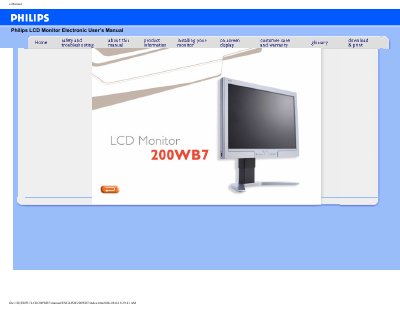
This electronic user's manual is for the Philips 200WB7 LCD monitor. It covers safety precautions and maintenance, including keeping the monitor out of direct sunlight, not blocking ventilation holes, and cleaning the screen with a soft cloth or isopropyl alcohol.
It also includes FAQs on screen adjustments, compatibility with other peripherals, LCD panel technology, ergonomics, ecology and safety standards, plus troubleshooting and regulatory information.
| Recommended video mode | 1680x1050 @60Hz |
|---|---|
| Operating temperature | 5-35°C (41-95°F) |
| Operating humidity | 20-80% RH |
| Wall mounting | Four standard VESA mount holes |
Set the PC display to the recommended 1680x1050 at 60 Hz, then reconnect the Philips LCD monitor.
For normal cleaning, use a clean, soft cloth; for extensive cleaning, use isopropyl alcohol and avoid other solvents.
Yes, it has four standard VESA mount holes on the rear cover for mounting on compatible arms or accessories.
It restores the optimal screen position, phase, and clock settings with a single button press and is available on selected models only.