
Installation guide for the Phanteks Glacier One T30 Gen2 CPU water cooler, covering fan configuration, mounting, and cable connections for AMD and Intel…
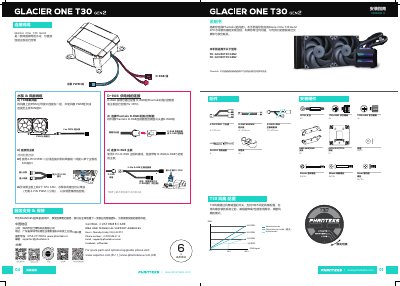
This manual guides users through the installation of the Phanteks Glacier One T30 Gen2 CPU water cooler. It covers essential steps including fan configuration, mounting the radiator and pump, and connecting cables to the motherboard. The guide is applicable to models PH-GO240T30 GEN2 and PH-GO360T30 GEN2. This manual is written in Chinese.
| Compatible Sockets | AMD AM4/AM5, Intel 115X/1200/1700 |
|---|---|
| Fan Connector Type | 4-PIN PWM |
| Fan Speed Control | 3 modes (Noise/Performance/Hybrid) |
This manual is applicable to the PH-GO240T30 GEN2 and PH-GO360T30 GEN2 models.
You can adjust the fan mode via a switch on the back of the fan before installation to select Noise, Performance, or Hybrid mode.
For optimal performance, the water tubes should be installed pointing towards the top or bottom of the cold head.