
Peplink RemoteSIM Configurations User Manual

Peplink RemoteSIM Configurations User Manual describes setup scenarios for linking SIM cards remotely to cellular routers using a SIM Injector.
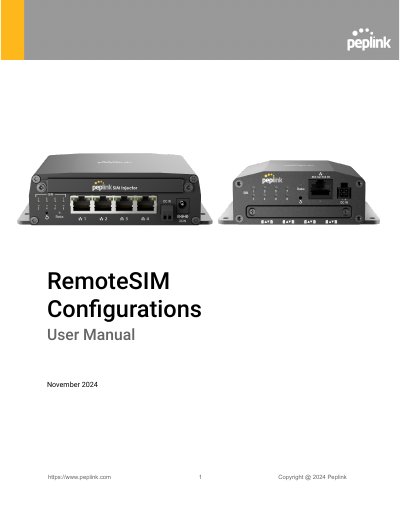

Peplink RemoteSIM Configurations User Manual - cover page
Brand
peplink
Category
Other network devices
Document type
User Manual
Language
English
Pages
38
File format
PDF
File size
2.4 MB
Published
17 November, 2026
Updated
17 November, 2026
MD5 checksum
5724B60EED4AA6AE94CAAA648C061CD1

About this manual

The Peplink RemoteSIM Configurations User Manual introduces RemoteSIM, a Peplink technology that lets SIM cards remotely link to a cellular router via the cloud or within the same physical network. It lists the required cellular router, SIM Injector, and SIM card, and notes checking the latest firmware for both the router and SIM Injector.

The manual covers LED indications, custom SIM card settings such as APN and roaming, reset and default login details, and five configuration scenarios for SIM Injector / SIM Injector Mini placement in LAN or WAN, multiple cellular routers, a Dome with Starlink, and remote locations. It also explains how to check whether a Peplink cellular router supports RemoteSIM and how to monitor RemoteSIM status.

What's inside

  • Introduction
  • Requirements
  • LED Indication
  • Configuring Custom SIM Cards Settings
  • Scenario 1: SIM Injector in LAN of Cellular Router
  • Scenario 2: SIM Injector in WAN of Main Router and Multiple Cellular Routers
  • Scenario 3: SIM Injector in LAN of Main Router and Multiple Cellular Routers
  • Scenario 4: SIM Injector in LAN of Main Router and Dome with Starlink
  • Scenario 5: SIM Injector / SIM Injector Mini in a Remote Location
  • How to Check if a Peplink Cellular Router Supports RemoteSIM

Frequently asked questions

How do I reset a SIM Injector?

Hold the reset button for 5-10 seconds.

What are the default web login settings for the SIM Injector?

The default user is admin and the default password is admin.

Can a SIM card inserted into a SIM Injector have a PIN code?

No. SIM cards inserted into the SIM Injector must not have a PIN code.

How can I check if a Peplink cellular router supports RemoteSIM?

A list of supported products can be found on the SIM Injector WEB page under Supported models.

Download PDF (2.4 MB)

More peplink Manuals


View all peplink manuals →