
This is a Peplink SD Switch User Manual, which introduces the SD Switch Rugged 8-Port / 16-Port / 24-Port and SD Switch Enterprise 24-Port / 48-Port models, specifications, features, interfaces, configuration, etc.
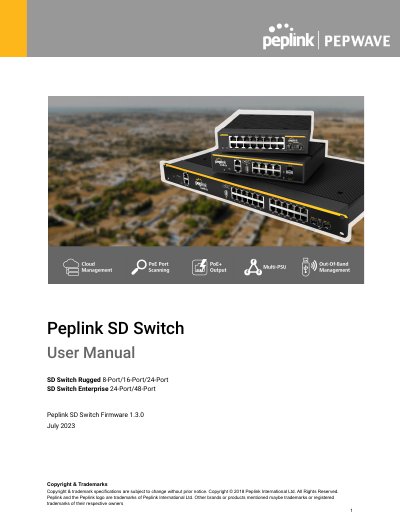
The document provides user instructions for the Peplink SD Switch range, which includes fully managed, PoE+ Gigabit switches with Cloud Intelligence. The guide details how to connect Ethernet and SFP/SFP+ interfaces, manage devices via the InControl cloud platform or standalone web interface, and configure various network settings.
| LAN Interface (Rugged 8-Port) | 8x802.3at (PoE+) GEPorts, 2xSFP Ports |
|---|---|
| LAN Interface (Rugged 16-Port) | 8x802.3at (PoE+) GEPorts, 8xGE Ports |
| LAN Interface (Rugged 24-Port) | 24x802.3at (PoE+) GE Ports, 2xSFP+ Ports |
| Power Input (Rugged Series) | 100V-240V AC |
Hold the Reset button for 5-9 seconds until the status light blinks red and then green.
Hold the Reset button for more than 10 seconds until the status light blinks red and then green.
The bundled PSU provides 90W of PoE power budget, supporting up to 240W with an optional add-on.