
Multi-language OPPO CPH2305 smartphone quick guide covering restart, Clone Phone data transfer, accessories, software, specifications, SAR and IP68.
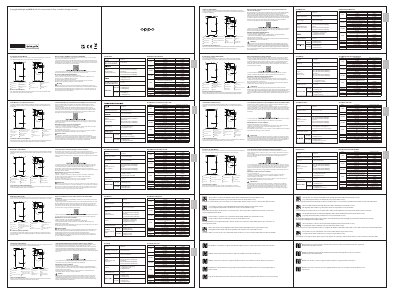
This multi-language quick guide for the OPPO CPH2305 smartphone explains how to reboot the phone by holding the Power Button and Volume Up Button until the OPPO boot animation appears. It also describes using OPPO Clone Phone to transfer photos, videos, music, contacts, messages, apps and more from an old Android phone or iPhone.
The guide lists standard accessories, the ColorOS V12.1 software version, and specifications including a 6.7-inch (17.02 cm) display, 163.7 × 73.9 × 8.5 mm dimensions, 50 MP + 50 MP + 13 MP rear cameras, 32 MP front camera, 0°C–35°C operating temperature, SAR values, and IP68 splash, water and dust resistance under stated test conditions.
| Rear camera | 50 MP + 50 MP + 13 MP |
|---|---|
| Front camera | 32 MP |
| Main display size | 17.02 cm (6.7 in) |
| Dimensions | 163.7 × 73.9 × 8.5 mm |
| Operating temperature | 0°C to 35°C |
| Software version | ColorOS V12.1 |
| CE SAR | 0.989 W/kg (head), 1.272 W/kg (body) |
| FCC SAR | 1.17 W/kg (head), 0.81 W/kg (body), 1.17 W/kg (hotspot) |
Press and hold the Power Button and Volume Up Button at the same time until the OPPO boot animation is displayed.
Use OPPO Clone Phone to transfer photos, videos, music, contacts, messages and apps from the old phone; for iPhone, follow the on-screen instructions to migrate data from iCloud.
The product software version is ColorOS V12.1.