
Instruction manual for the OMRON HEM-4030 manual inflation blood pressure monitor, covering setup, measurement, memory, troubleshooting and technical data.
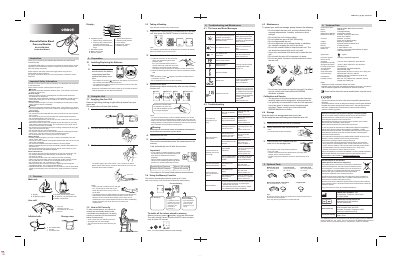
The OMRON HEM-4030 is a compact manual inflation blood pressure monitor that operates on the oscillometric principle and measures blood pressure and pulse rate. The manual explains safety precautions, battery installation, cuff placement, taking readings, and use of the memory function.
Technical data covers the measurement ranges, accuracy, memory capacity, battery type, operating conditions, weight, dimensions, and supplied accessories. The document also lists icons, error messages, troubleshooting remedies, maintenance guidance, and calibration and service recommendations.
| Measurement method | Oscillometric method |
|---|---|
| Pressure range | 0 mmHg to 299 mmHg |
| Pulse range | 40 to 180/min |
| Pressure accuracy | ±3 mmHg |
| Pulse accuracy | ±5% of display reading |
| Memory capacity | 21 measurements |
| Battery type | 2 “AAA” batteries, 1.5V |
| Battery life | Approximately 1500 measurements with new manganese batteries |
| Operating temperature | +10°C to +40°C |
| Operating humidity | Maximum 30 to 90% RH |
| Storage temperature | -20°C to +60°C |
| Storage humidity | Maximum 10 to 95% RH |
| Weight without batteries | Approximately 75g |
| Weight with batteries | Approximately 120g |
| Main unit dimensions | Approximately 64 (w) mm x 35 (h) mm x 105 (l) mm |
| Cuff size | Medium cuff: arm circumference 22 to 32 cm |
| Cuff material | Nylon and polyester |
| Included items | Main unit, cuff, inflation bulb, instruction manual, storage case, battery set |
| Maximum cuff inflation | Do not inflate the arm cuff over 299 mmHg |
Place the bottom edge of the cuff 1 to 2 cm above the elbow, center the marker on the inside of the arm, and close the fabric fastener firmly.
The monitor automatically stores results in up to 21 sets. If the memory is full, it deletes the oldest readings.
Press the M button, then hold it down while pressing the ON/OFF button simultaneously for about 2 to 3 seconds.
Press the air release button to release any air remaining in the arm cuff.