
Olympus quick reference guide for creating user settings, testing or formatting a USB device and entering, selecting or deleting patient information on a…
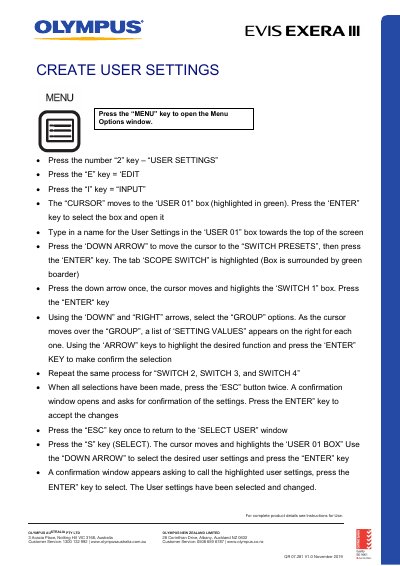
This Olympus Australia quick reference guide (document code QR 07.281 V1.0, November 2019) walks through the keyboard and on-screen menu steps used to set up and change user settings on an Olympus video processor system. It shows how to name a user setting, assign switch presets (Switch 1 to Switch 4) from the group options, confirm and call the saved settings, and check them with the Switch Info button.
The guide also covers testing and formatting a portable memory/USB device from the Advanced Menu, setting the number of photos per page with the F4 key, and entering patient information either case by case or as a list. Further sections explain selecting patient information already recorded, deleting recorded patient data and files, and closing the patient file with the Exam On key at the end of a procedure.
Press the SHIFT key and the ADD DATA key at the same time; the User Settings window opens.
Press the number 5 key for Advanced Menu, then the number 7 key for Test Portable Device, and confirm with Yes.
Type the date of birth as DDMMYYYY, with no forward slash or break between the numbers.
Press the SHIFT and CURSOR keys at the same time and the Patients Data List window opens.