
Olympus TG-810/TG-805 digital camera instruction manual covering camera preparation, shooting, playback, settings, printing and appendix.
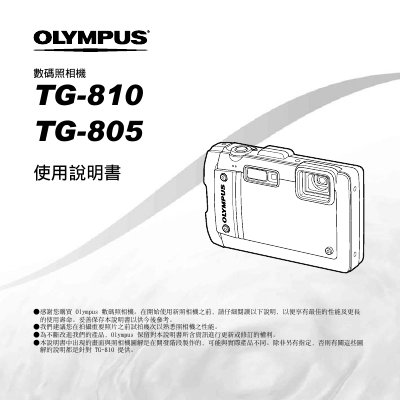
This is the Traditional Chinese instruction manual for the Olympus TG-810 and TG-805 digital cameras. It walks through the box contents and camera parts, preparing the camera, shooting, playback and erasing images, using shooting modes and shooting functions, and the shooting, playback, editing and printing menus.
The manual also covers other camera settings such as date/time, world time, pressure sensor, tap control, LED illuminator and — for the TG-810 only — GPS settings, followed by printing with PictBridge and DPOF print reservation, troubleshooting tips, an appendix, and the warranty and trademark notices. Notes state that unless otherwise specified, illustrations refer to the TG-810. This manual is written in Chinese.
| Included lithium-ion battery | LI-50B |
|---|---|
| Included USB cable | CB-USB8 |
| Included AV cable | CB-AV3 |
| Included USB-AC adapter | F-2AC |
| GPS | TG-810 only |
The camera comes with a wrist strap, lithium-ion battery LI-50B, USB cable CB-USB8, AV cable CB-AV3, USB-AC adapter F-2AC and the OLYMPUS Setup CD-ROM. Contents may differ depending on the region of purchase.
Press the m button and the setup menu appears; use the arrow pad to select pages and submenus, then press m again to finish.
You can print directly by connecting to a PictBridge printer, or use DPOF print reservation.
No. The GPS settings are available on the TG-810 only.