
Oakton pH 10 series pH/mV/°C Meter Operating Instructions covering setup, calibration, measurement, maintenance, and troubleshooting.
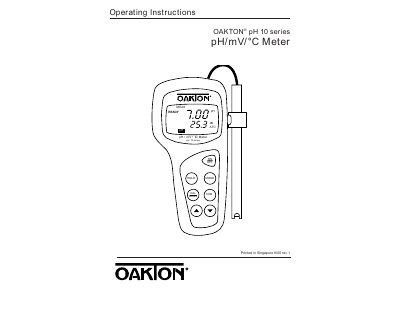
The Oakton pH 10 series is an economical, microprocessor-based pH/mV/°C meter with ±0.01 pH accuracy that also reads millivolts for ORP measurements. It uses a water-resistant membrane keypad and a large LCD with primary and secondary displays.
This operating instruction manual covers setup, display and keypad functions, electrode and probe connection, pH and mV measurement, calibration, temperature compensation, electrode care, error messages, troubleshooting, specifications, accessories, and warranty.
| pH accuracy | ±0.01 pH |
|---|---|
| ORP measurement | millivolts |
Press the ON/OFF key to power the unit on or shut it off; the meter enters measurement mode when turned on.
The meter uses standard pH buffers 4.01, 7.00, and 10.01 for calibration.
Press HOLD while in pH or mV mode to freeze readings, then press HOLD again to release.
Yes, remove the protective rubber cap of the electrode before measurement.