
This NVR quick operation manual covers hard disk installation, startup and shutdown, network and disk setup, login, recording, playback, NAT, and cloud upgrade.
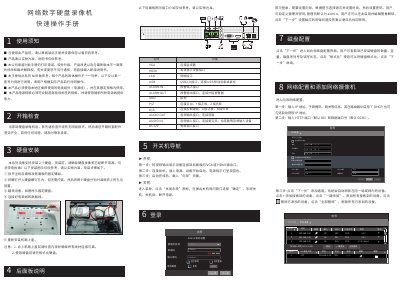
This is a quick operation manual for an NVR in the network digital video recorder series. It explains unpacking checks, rear panel connections, hard disk installation, power on and off, first login, and the setup wizard.
The manual also covers network configuration and adding cameras, disk formatting, recording modes, manual recording, playback, NAT access, and cloud upgrade. Illustrations and interface labels are noted as reference only; the actual product controls the interpretation. This manual is written in Chinese.
| Supported hard disks | 2 |
|---|---|
| Video outputs | VGA and HDMI |
| Default HTTP port | 80 |
| Default data port | 6036 |
| Default administrator name | admin |
| USB interface | USB2.0 |
This series supports installing two hard disks.
The HTTP port defaults to 80 and the data port defaults to 6036.
The administrator account defaults to admin.
Format the hard disk before use.