
Operation guide for Sony DCR-HC17E/HC19E/HC21E/HC22E camcorders covering setup, recording, playback, and troubleshooting.
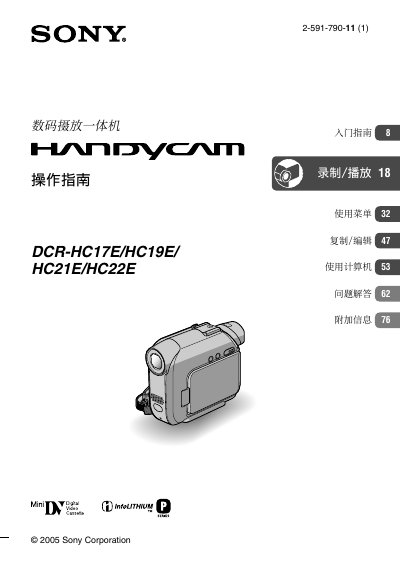
This manual provides step‑by‑step instructions for using Sony DCR‑HC17E, HC‑19E, HC‑21E and HC‑22E digital camcorders. It covers initial setup, battery charging, power on, LCD and viewfinder adjustments, language settings, and tape insertion.
Later sections describe recording and playback functions, zoom, NightShot, spot focus, special effects, remote control, search functions, menu navigation, copying/editing, computer connection, FAQs and additional information for overseas use. This manual is written in Chinese.
| Recording system | 2 rotating heads, helical scan |
|---|---|
| Audio system | Rotating head PCM |
| Quantization | 12‑bit (32 kHz stereo), 16‑bit (48 kHz stereo) |
| Video signal | PAL color, CCIR standard |
| Tape speed (SP mode) | ≈ 18.81 mm/s |
| LCD size | 6.2 cm (2.5") |
| Power consumption (LCD) | 2.4 W |
| Operating temperature | 0 °C – 40 °C |
| Dimensions (W × H × D) | 54.7 × 90.0 × 111.7 mm |
No, the USB cable is not supplied with the DCR‑HC17E; a separate USB 2.0 cable must be purchased.