
This document provides information about the safety precautions, features, connection and installation instructions, initialization and configuration, VD-R settings, and troubleshooting of the VD-R product.
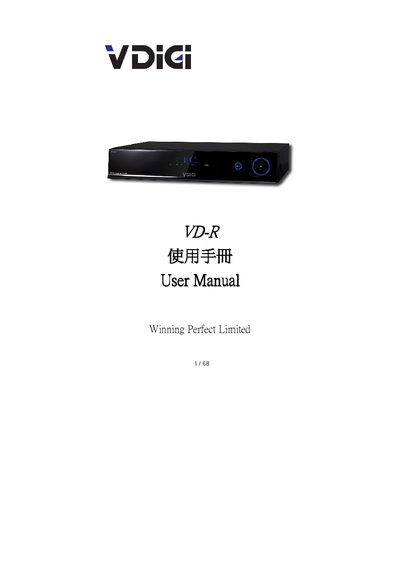
This manual introduces the VD‑R high‑definition TV recorder, covering safety precautions, product features, and the layout of the front and rear panels. Detailed connection diagrams show how to attach antennas, HDMI, composite, S‑Video, component video, audio, Ethernet and USB interfaces.
Configuration steps guide users through language selection, channel scanning, remote‑control learning, VDIGI settings and firmware upgrades. The troubleshooting section lists common issues such as no power, video or audio problems and provides clear corrective actions. This manual is written in Chinese.
| Input 1 | YPbPr / Audio L‑R (HD analog video/audio) |
|---|---|
| Input 2 | Composite video (standard‑definition analog) |
| HDMI | Digital HD video and audio |
| Ethernet | Network connection for future features |
| USB | External storage and firmware upgrade |
| Digital Audio Output | Optical or coaxial digital audio |
| Power Connection | Standard AC power input |