
Instruction manual for the Nextbase Ultra1440p 4K dash cam with GPS, Wi-Fi, and polarizing filter, covering installation, operation, and settings.
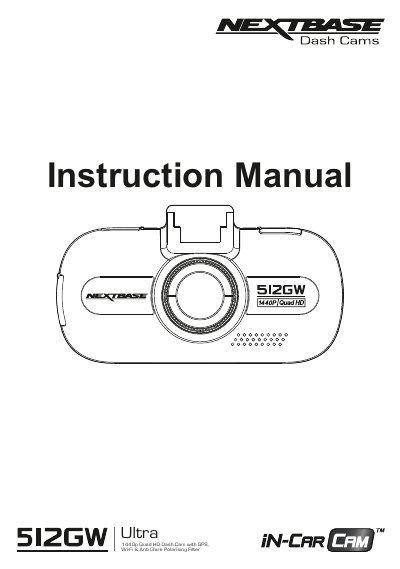
The Nextbase Ultra1440p is a Quad HD dash cam featuring GPS, Wi-Fi, and an anti-glare polarizing filter. It records video in 3-minute files at both high and low resolutions simultaneously, with loop recording that automatically overwrites the oldest footage when the microSD card fills. The camera starts and stops automatically with the vehicle ignition and sets the time and date from satellite data.
The manual covers precautions, warnings, product specifications, package contents, installation using the powered GPS mount, camera controls, first-time setup, polarizing filter use, video/photo/playback modes, setup menu options, PC and Wi-Fi connections, troubleshooting, and warranty information. It also includes legal notices regarding windshield mounting and data protection.
| Storage capacity estimate | 16GB card stores approx. 60 minutes of footage |
|---|---|
| Automatic time/date setting | From GPS satellite data based on selected country |
| Automatic start/stop | Starts recording when ignition is turned on, shuts down when ignition is off |
| LCD screen pixels | 691,200 pixels |
| Operating modes | Video, Photo, Playback |
It senses power from the cigarette lighter socket when the vehicle ignition is turned on and begins recording automatically.
They are set automatically from satellite data based on the country selected during first-time setup.
Yes, playback mode allows you to view recorded video or photographs on the LCD screen.