
Nextbase NBDVR1 dash cam instruction manual covering operation, video and photo modes, playback, setup, and specifications.
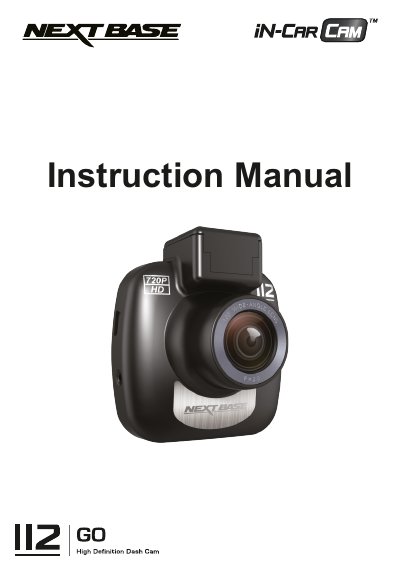
This instruction manual covers the Nextbase NBDVR1 iN-CAR CAM dash cam, including basic operation, precautions, product features, and in-vehicle installation. It explains the three camera modes: Video, Photo, and Playback.
The dash cam records video in 3-minute files and starts automatically when the vehicle ignition is turned on. It uses a MicroSD card up to 32GB, has a 2.0" screen, and records at 1280 x 720 resolution at 30fps by default.
| Model Number | NBDVR1 |
|---|---|
| Sensor | 1M Pixel (1,000,000 Pixel) |
| Lens | 5G / 120° / F2.0 |
| Recording Resolution | 1280 x 720 @ 30fps (default) |
| Screen Size | 2.0" |
| Screen Resolution | 480 (W) X 240 (H) pixels x RGB |
| Screen Ratio | 4:3 |
| SD Card | MicroSD, Class 6-10, up to 32GB |
| Internal Battery | Lithium-ion 3.7V / 230mAh |
| Unit Dimensions | 60 x 67 x 39mm |
| Unit Weight | 66g |
Yes, it senses power from the cigarette lighter socket and starts recording automatically when the vehicle ignition is turned on.
MicroSD cards Class 6-10 up to 32GB are recommended, with Class 10 SDHC for best results.
Press MENU twice and choose the Format Card option, then follow the on-screen instructions.